We’ve all heard the phrase “Death by PowerPoint.” And yet… it’s still everywhere.
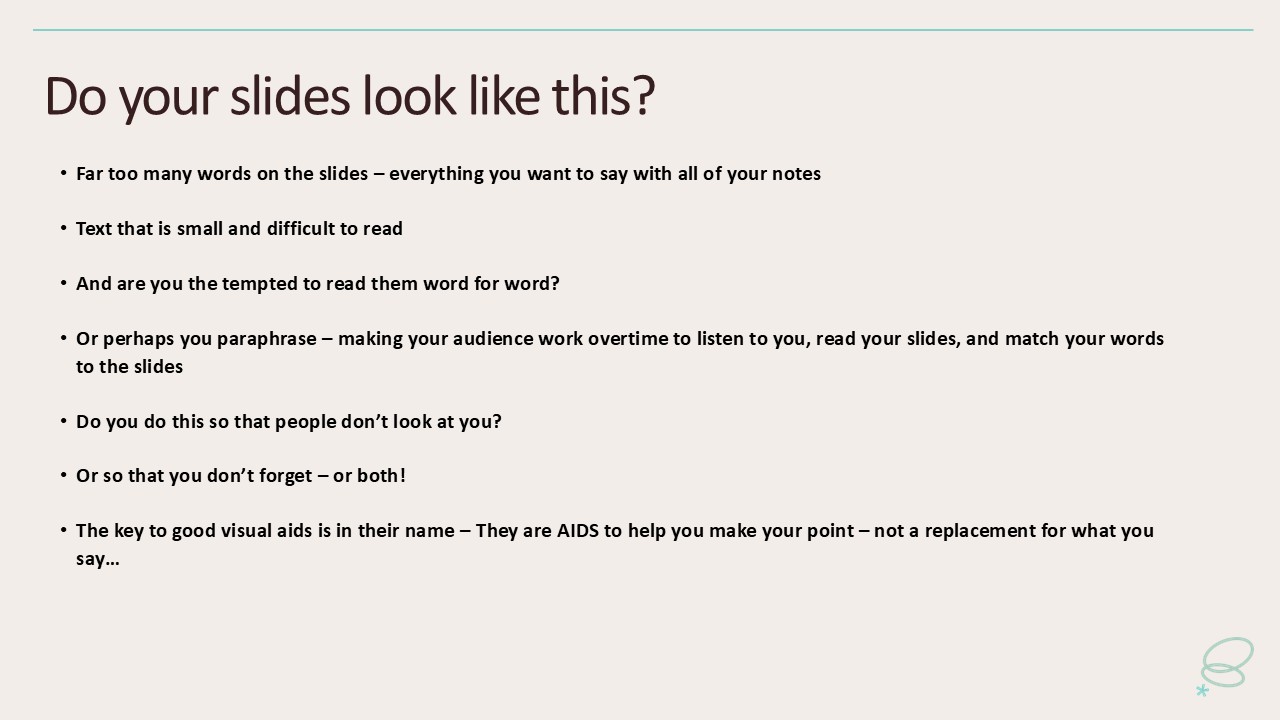
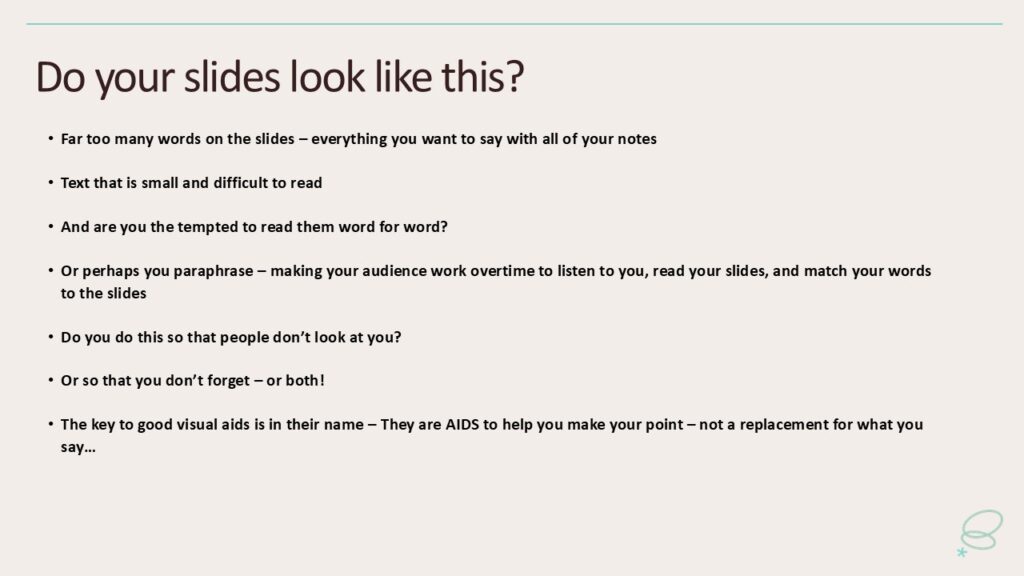
You know the kind of presentation I mean — slides packed with bullet points, sentences, even full paragraphs. The presenter either reads them word-for-word or paraphrases just enough to make you wonder why you bothered showing up when you could have just read the deck yourself.
When that happens, your audience is trying to do three things at once: read, listen, and match your words to the slides. That’s a guaranteed recipe for cognitive overload — and disengagement.
I’ll admit it. I’ve been guilty of Death by PowerPoint myself. Many times. And I know exactly why I did it.
Because I didn’t want people looking at me.
And because I was terrified of forgetting what I wanted to say.
But now I push my clients hard to break this habit — because the difference it makes is huge.
A recent success story
One of my clients recently presented to 600 people online. He did very well. Afterwards, six people reached out to tell him how much they’d enjoyed his talk.
We’d worked together on his slides. He had just a few. Each one was clear, simple, and supported what he said — not the other way around.
When I asked him what he thought worked so well, his answer was instant:
“It was the slides. Everyone else had far too much information on theirs. I mainly just talked.”
Exactly.
The key to good visual aids is in their name
I recently saw a fantastic presentation about interpreting body composition metrics. The speaker had one slide — a single summary of all the metrics, so we could track his progress.
He also had a life-sized skeleton model and a few pictures. But mostly, he just talked.
His visual aids supported his talk. They weren’t the main event. And here’s the thing — his presentation would still have made perfect sense without visual aids.
There’s no magic number for how many slides you should have. You can use many, or just one, as long as they’re clean and simple. Pictures, graphs, and a few words can all work well. The key question is:
👉 Do your slides help people understand what you’re saying — or do they replace it?
A great test is this: If the technology died, could I still deliver my talk?
If the answer is yes, your slides are probably about right.
Not every talk needs slides
I use slides sometimes. But more often, I use a whiteboard or flip charts or post it notes. Variety keeps your audience interested.
When I tell new clients I don’t need a screen, they sometimes look worried — as if you can’t be a “real presenter” without slides! But I’ve never once had someone complain afterwards.
You are the presentation. The slides are just optional extras.
Why we do death by PowerPoint: the spotlight effect
If you’ve read my work before, you’ll know I talk about the spotlight effect — that feeling that everyone’s staring at you, judging every word.
That’s one of the big reasons people hide behind slides. When the audience is reading, they’re not looking at you — and that feels safer.
But the spotlight effect is an illusion. Yes, people are watching you, but they’re also thinking about a hundred other things — what’s for lunch, their own upcoming talk, an email they forgot to send.
Even when they are focused, they’re thinking about your ideas, not you.
As writer David Foster Wallace said:
“You will worry less about what people think when you realize how seldom they do.”
If you want to engage your audience, you need them looking at you, not at your slides.
Why we do death by PowerPoint: fear of forgetting
If you’re a nervous speaker (and I was, for years), Death by PowerPoint feels like a safety net. You convince yourself that if the words are all there, you can’t possibly forget.
But here’s the truth: that safety net is actually a trap.
You end up reading instead of connecting. And when you sound like you’re reading, your audience switches off.
Slides can help you remember — but you need far less on them than you think. Use them as prompts, not a crutch.
Add a few words or images to trigger your memory. Use the notes page if you must — but be careful. I often see people presenting online with a full script hidden just off-screen. You can’t see it, but you can hear it. And it kills energy and connection.
The real danger of death by PowerPoint
When your slides do all the talking, you disappear.
And if your audience doesn’t connect with you, they won’t remember your message.
So yes — clear, simple slides are important. But what matters most is you: your energy, your stories, your eye contact, your ability to bring ideas to life.
You can’t do that if you’re glued to the screen.
Banish death by PowerPoint
If you want to improve your public speaking, make “avoiding death by PowerPoint” a top priority.
Simplify your slides. Keep them visual. Use them only when they truly help your audience.
And most of all — trust yourself.
You don’t need to hide behind slides to feel safe. You can connect, engage, and bring your ideas to life without a script on the screen.
When you do that, something shifts. The audience stops reading — and starts listening.
And that’s when your message really lands.
